Campaigns & content
Organize regions, maps, rules and reusable content in portable .dndead campaigns.
Dice N Dead brings campaign preparation, live maps and encounters into one Windows application—with private Game Master controls and a separate Player display.
Built by Anastasios Tetradis · Software Engineer
Active development · Application v5.5.0.0
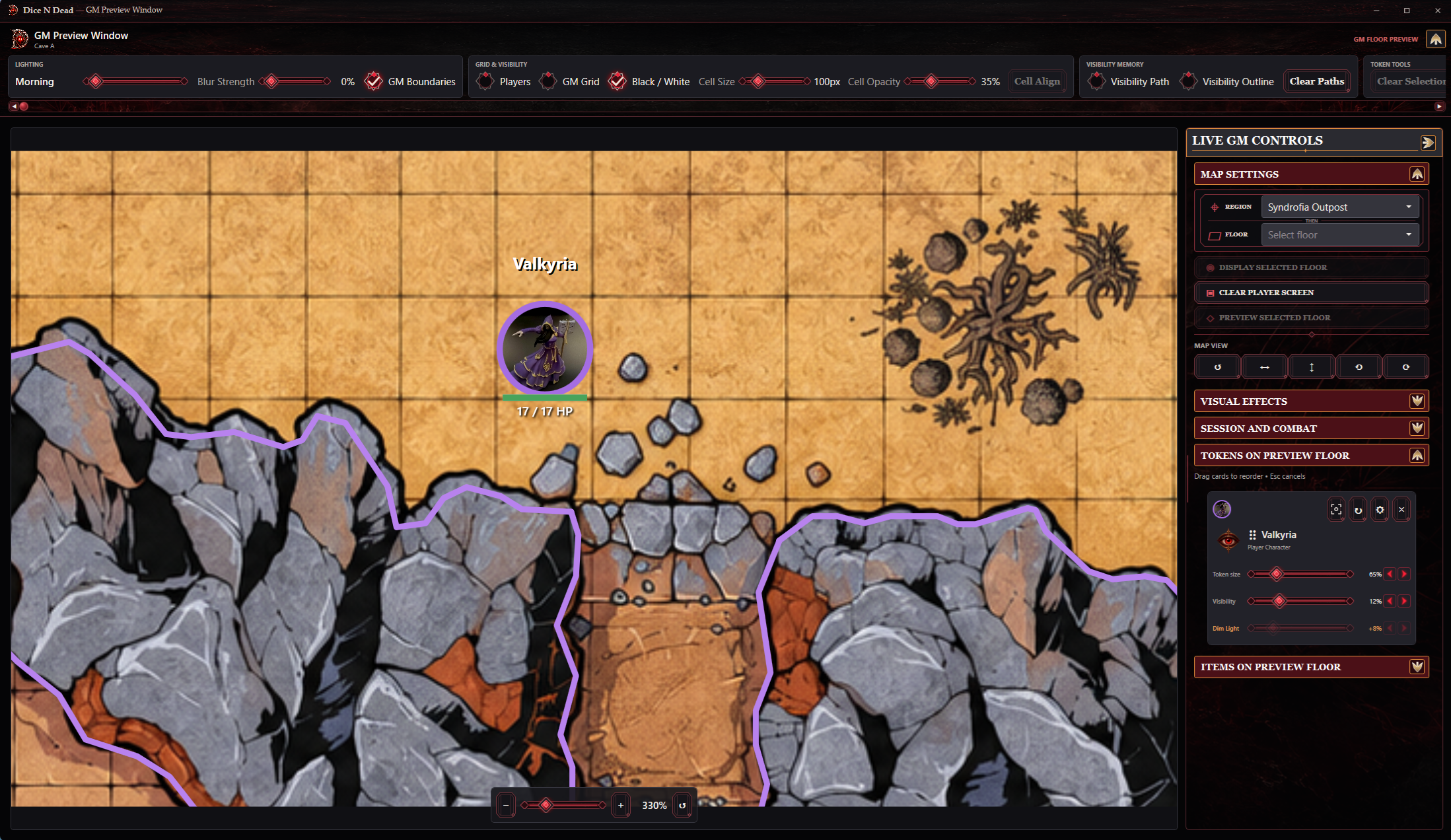
Prepare maps, characters and campaign content in one desktop workspace. Run sessions from the private Game Master interface and choose which floor reaches the separate Player window.
Your campaign stays local in a portable .dndead package containing its data and imported assets. Ordinary use needs no online account, cloud subscription or database server.
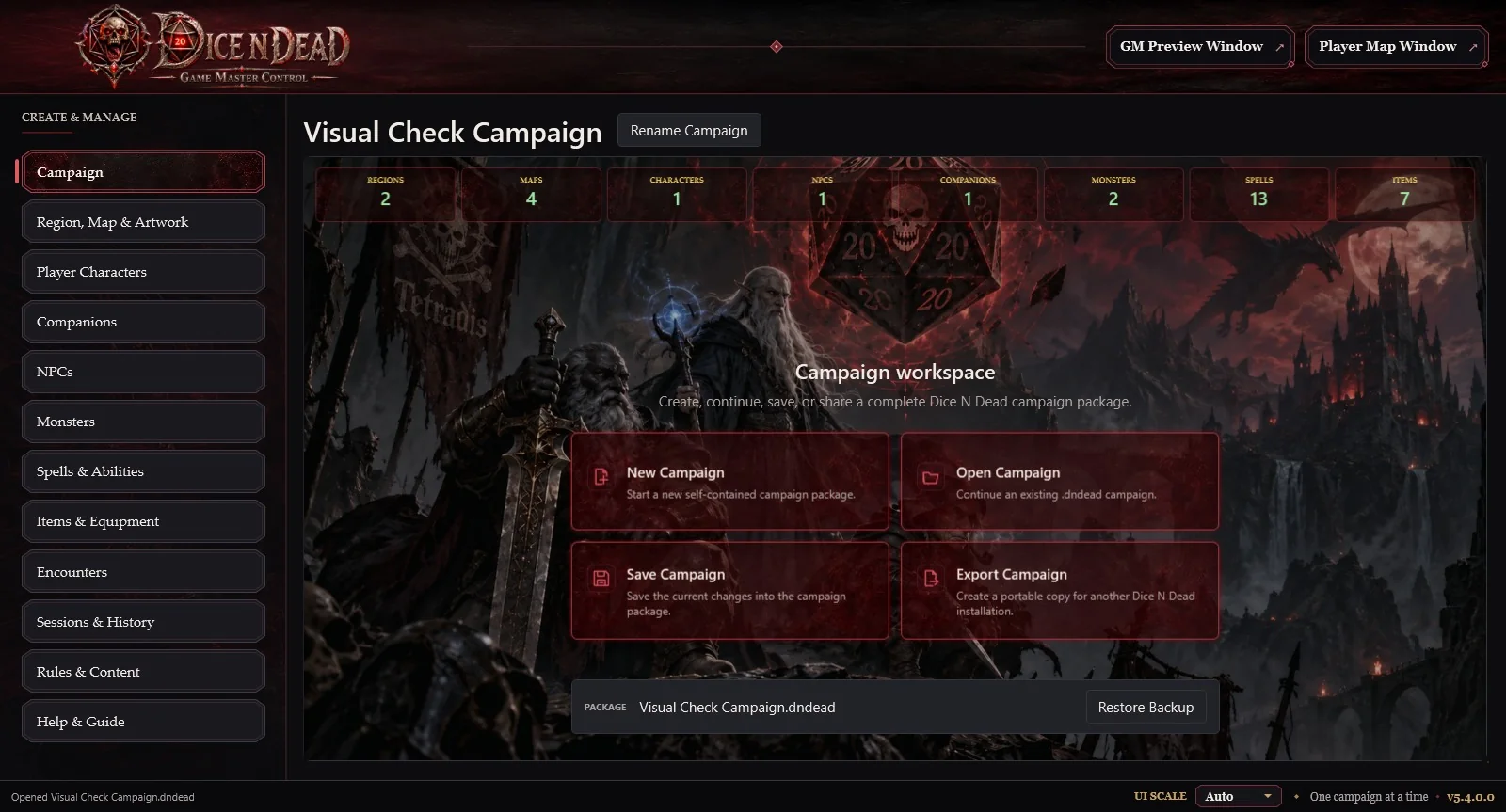
Two views into the real application. Select a screenshot for a closer look, or open the library for more editors and catalogs.
A single desktop workspace for campaigns, map artwork, player characters, companions, NPCs, monsters, spells, items, rules, encounters and sessions.
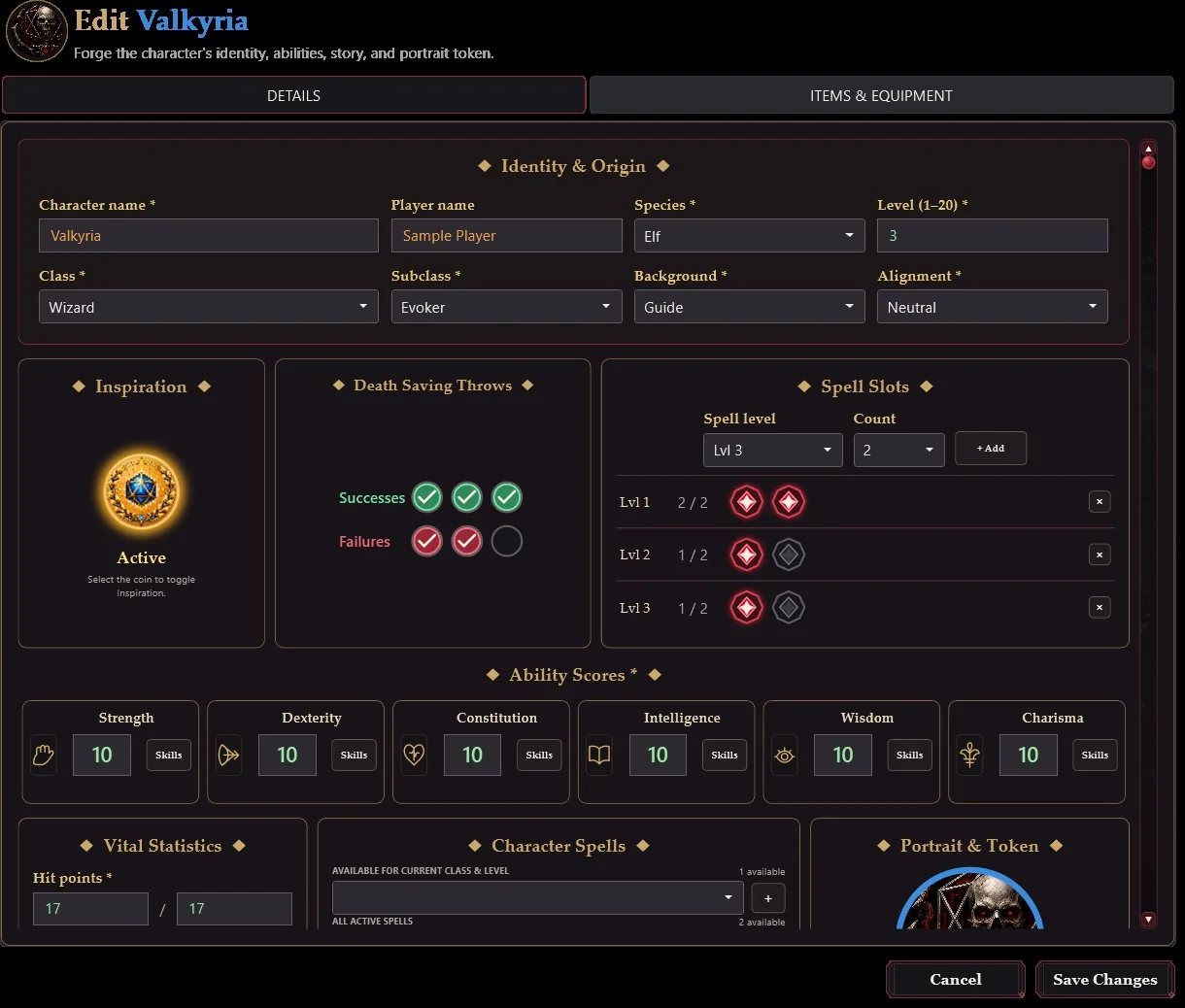
Build character records beyond a name and portrait: origins, class, level, ability scores, proficiency, combat values, spells, conditions, languages and equipment.
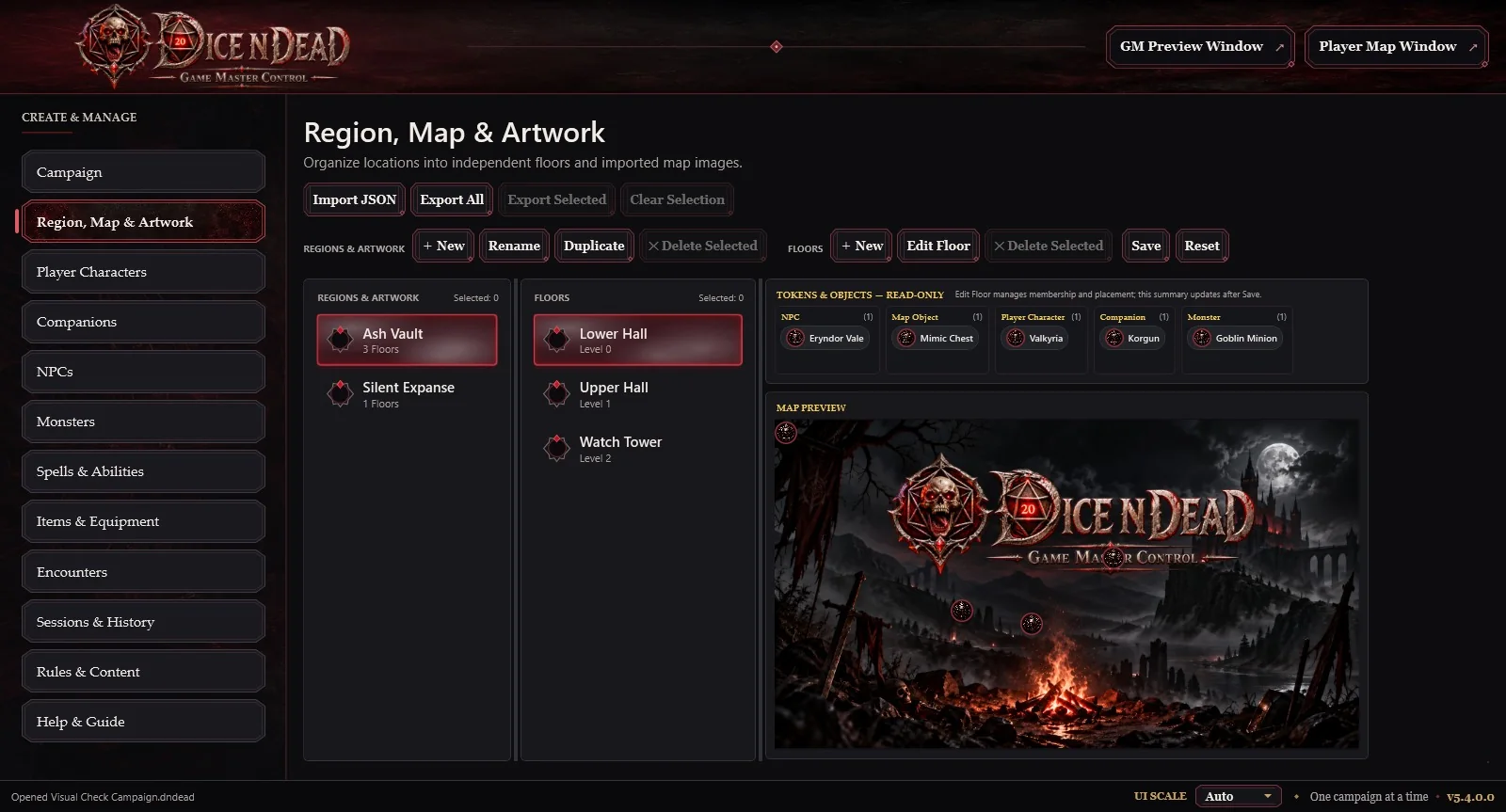
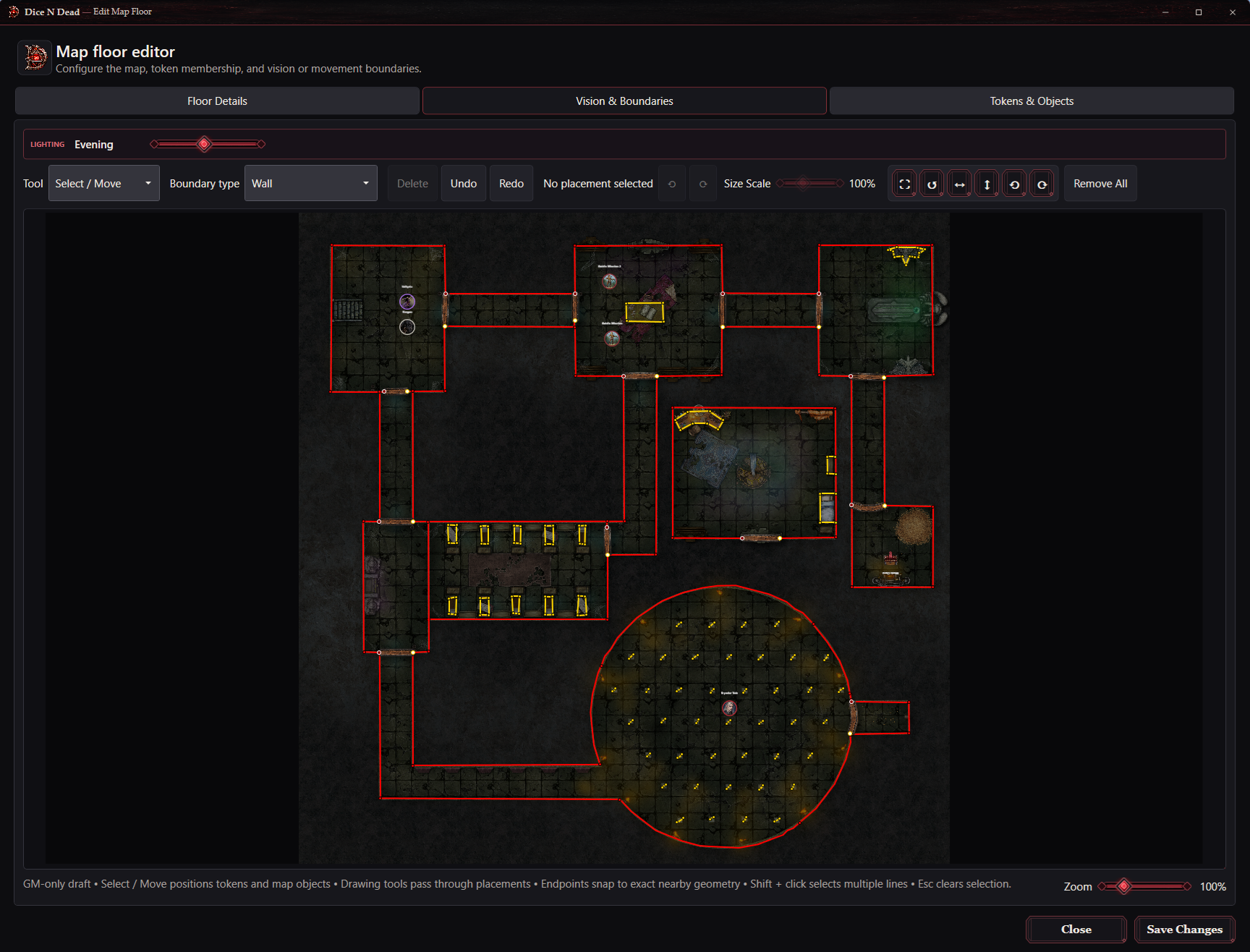
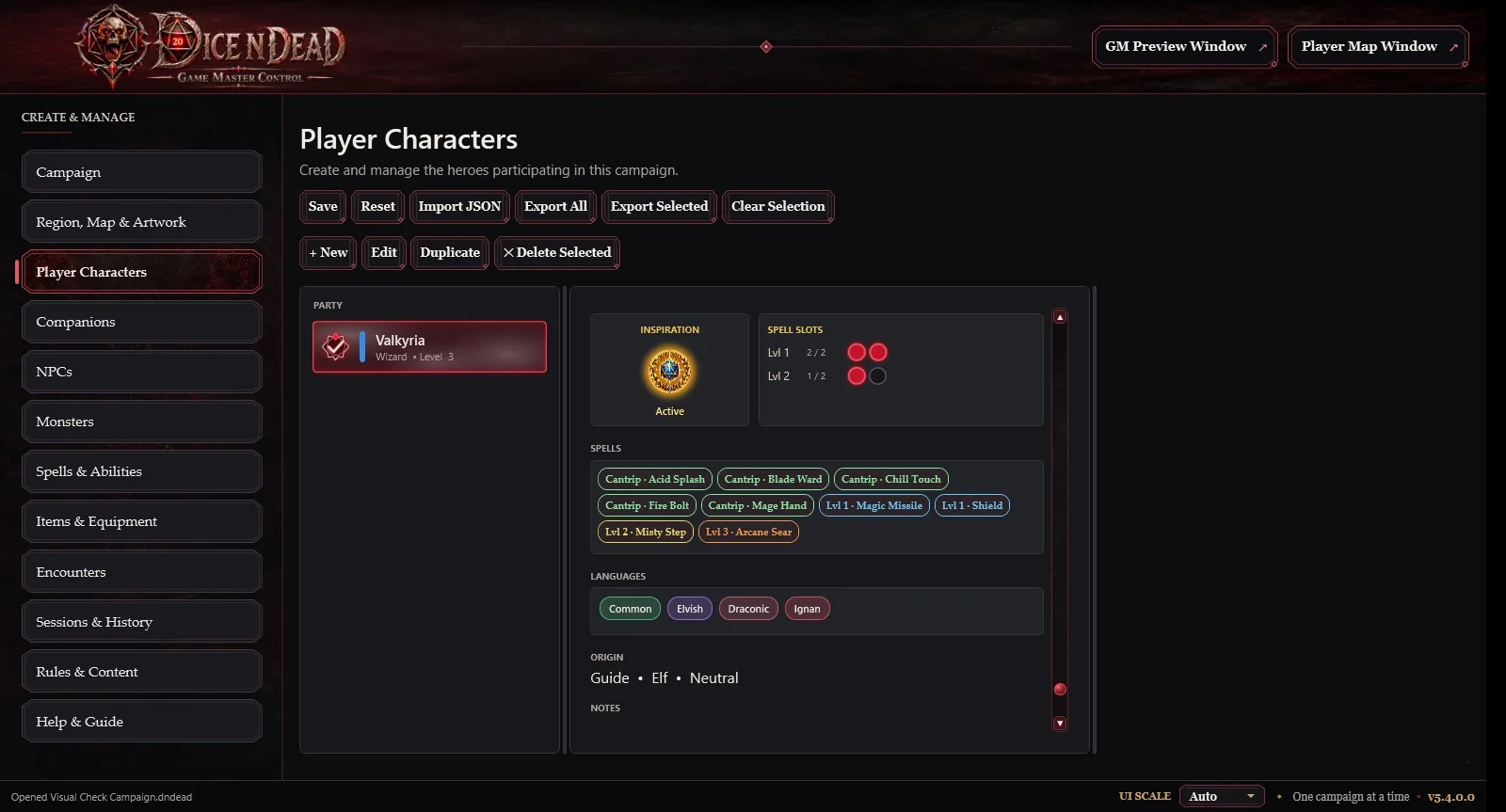
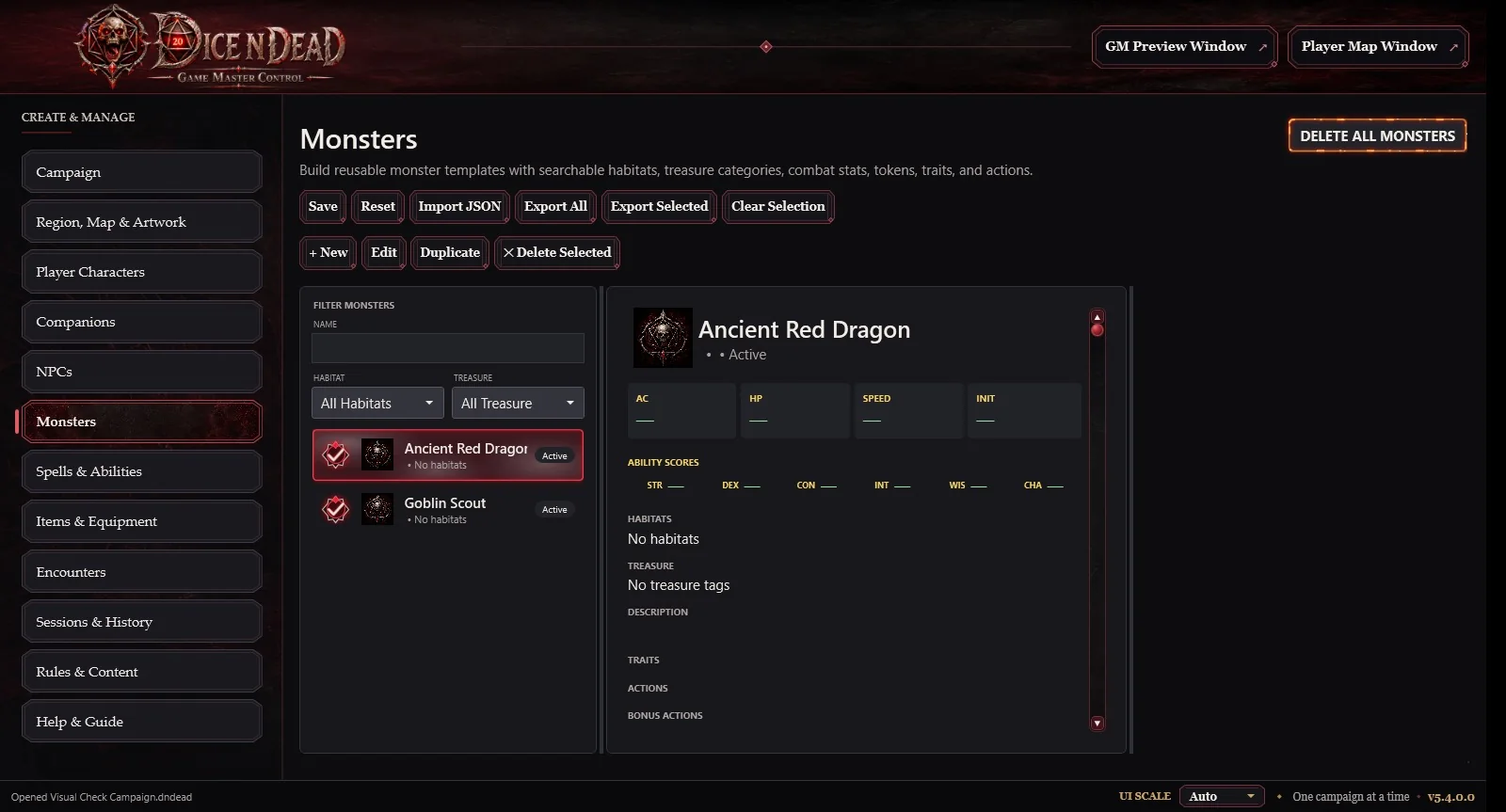
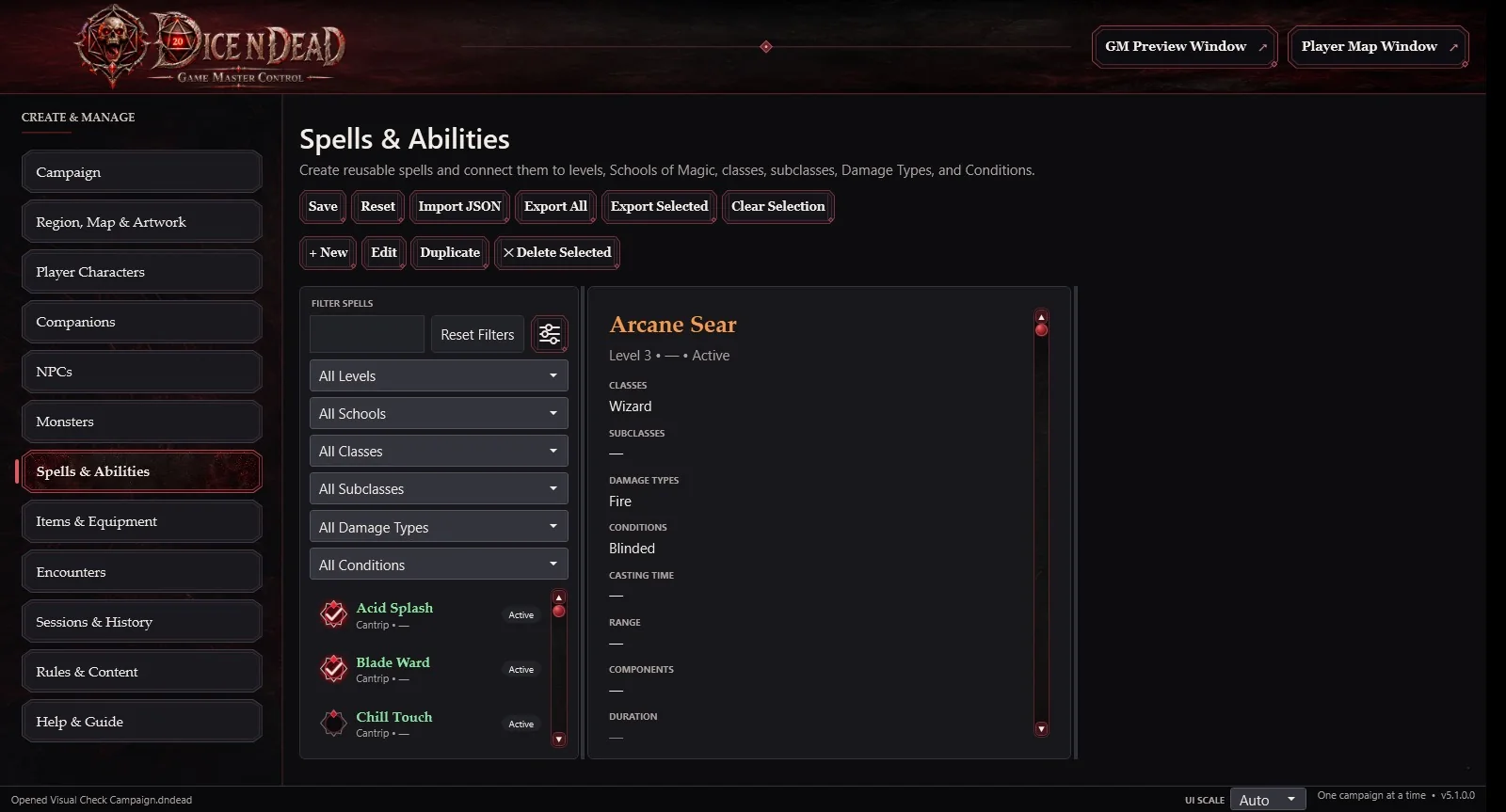
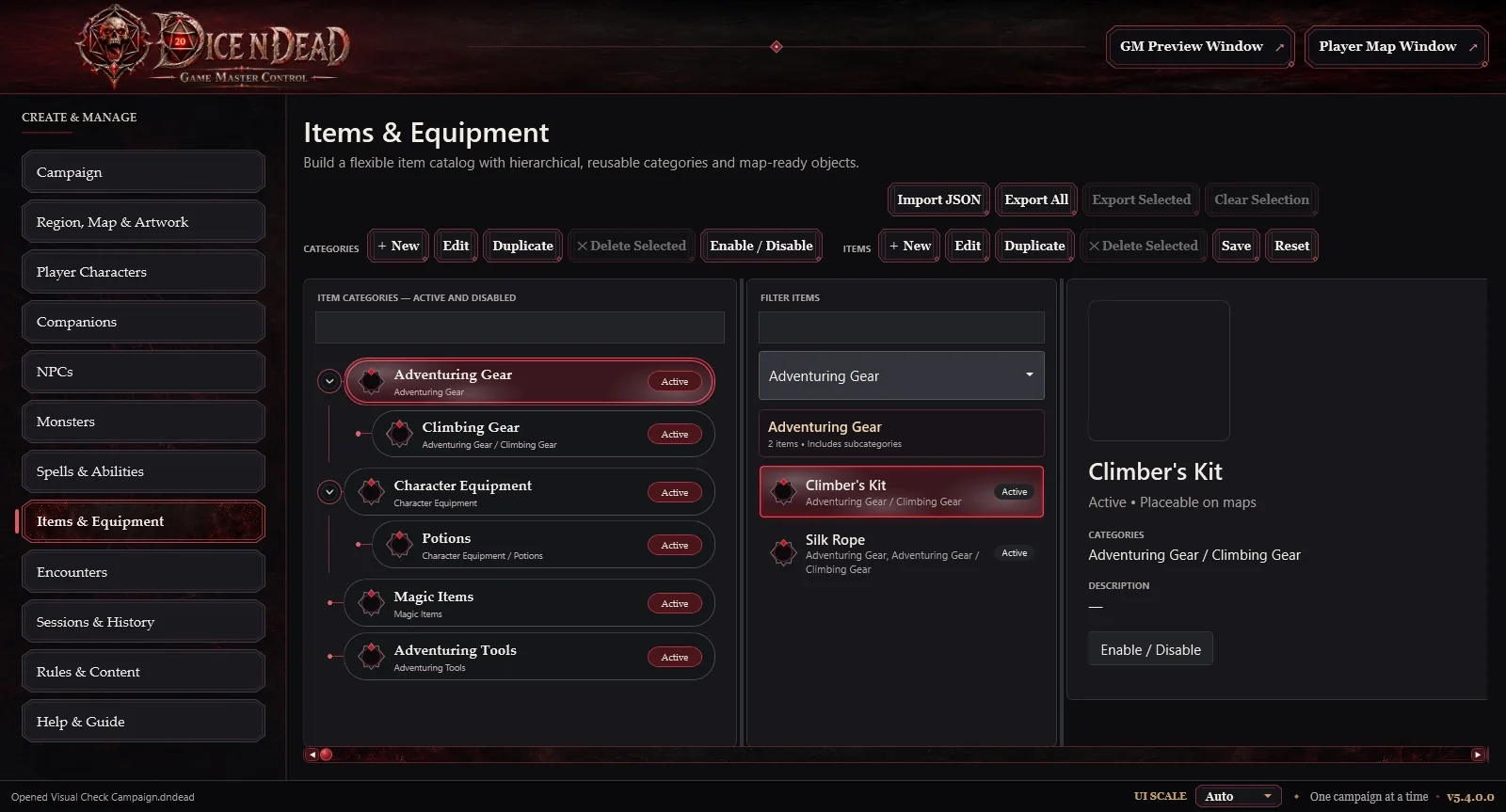
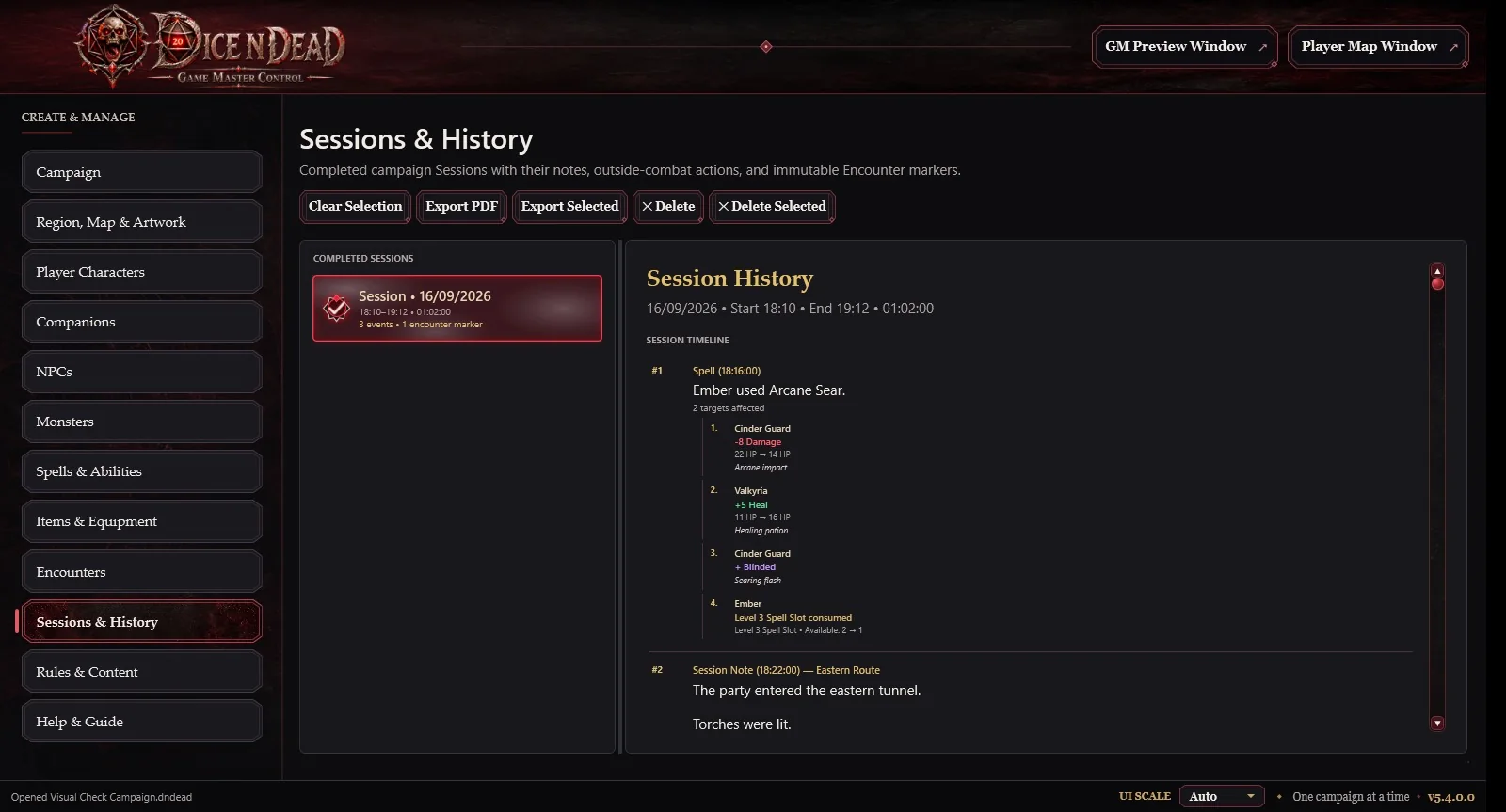
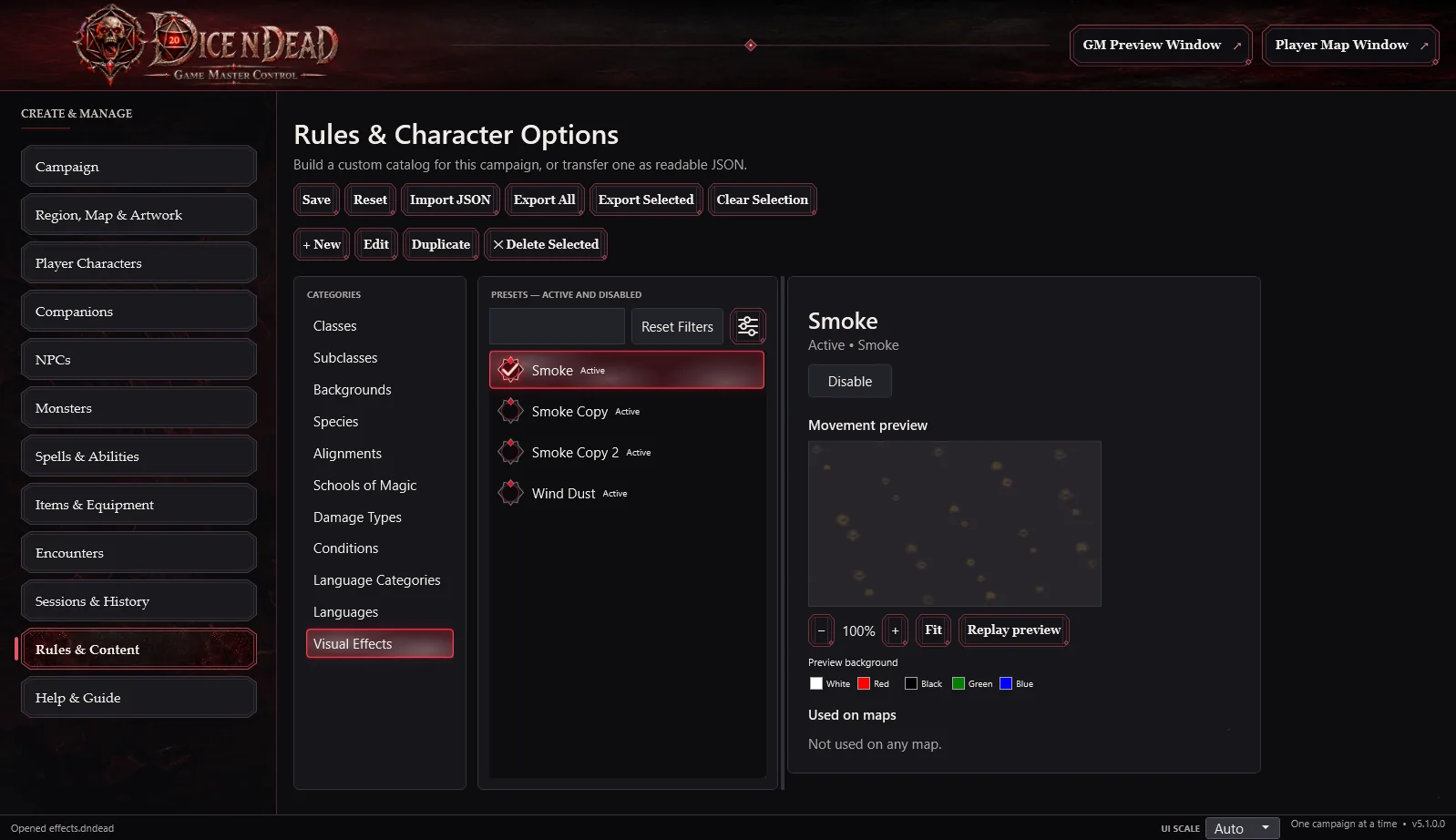
A recorded walkthrough of the desktop application, from campaign preparation to live Game Master controls.
A closer look at the desktop Game Master suite.
Recorded in Dice N Dead Campaign preparation & live Game Master controls
Six connected areas cover preparation, live play and campaign continuity. The complete capability list is available below.
Organize regions, maps, rules and reusable content in portable .dndead campaigns.
Control tokens, doors, lighting, line of sight and fog from a private GM window, with a separate Player display.
Connect characters, companions, NPCs and monsters with spells, equipment and campaign reference data.
Track initiative, HP, conditions and confirmed actions. Keep notes, session time and completed encounter history.
Reuse PNG/GIF effects, atmospheric particles and route-based motion on your chosen floors.
Review supported JSON imports and their relationships. Protect portable saves with backups and recovery snapshots.
Create, open, rename, save and export adventures as self-contained .dndead packages. Move your campaign between compatible Windows PCs.
Organize locations in Regions and Floors. Import map artwork and configure each floor’s placement, lighting and starting viewpoint.
Draw straight or freehand walls, doors, windows, vision blockers and movement blockers. Define how each affects sight and movement.
Preview maps without publishing them. Display a chosen floor only when ready; the Player Window receives the approved scene rather than GM-only details.
Place Player Characters, companions, NPCs, monsters and map items. Move or resize tokens, manage visibility and edit the live scene.
Use walls, doors, vision ranges, reveal-on-sight and visibility memory to make exploration meaningful. Keep secrets from the Player output.
Build reusable effects with PNG/GIF assets, atmospheric particles and moving images along custom routes. Control size, opacity and visibility.
Track species, class, skills, abilities, HP, AC, spell slots, conditions, languages, portraits, inventory and more in a unified editor.
Maintain independent rosters and reusable monster definitions with combat statistics, traits, actions and their own map placements.
Create and filter spells, link them to classes and subclasses, record damage types and conditions, and associate magic with characters.
Manage items using hierarchical categories, images, map placements and character inventory/equipment links.
Select combatants, establish initiative and prepare damage, healing, conditions and spells with explicit confirmation and recorded results.
Track session duration, pause/resume, add notes and view a session timeline. Keep completed session and encounter history.
Maintain classes, subclasses, species, backgrounds, alignments, conditions, damage types, languages and other definitions.
Exchange supported content as JSON. The Import Repair Center previews changes and resolves relationships before importing.
Keep rotating campaign backups, restore earlier saves and benefit from periodic recovery snapshots when unsaved work exists.
Behind the tabletop experience is an end-to-end desktop engineering project: a native WPF interface, connected SQLite data, live map presentation, validated imports and portable campaign storage. The application runs locally, with its own Windows installer and release checks.
A private GM preview and a separate Player window let the GM prepare a floor, control visibility and choose what reaches the table.
Campaign services coordinate SQLite transactions and live state. Import preflight reviews conflicts and dependencies before applying supported content.
Validated campaign packages keep data and imported assets together. Atomic save replacement, rotating backups and recovery snapshots protect ongoing work.
Software Engineer · Creator of Dice N Dead
I designed and developed Dice N Dead end to end, bringing together desktop UI, campaign architecture, data integrity and live Game Master workflows.
View LinkedIn profileThe professional profile is currently unavailable.
No. It is a native Windows desktop application. This website is a separate public presentation of the software.
Normal campaign use does not require an online account, cloud subscription or a separate database server. Installation may need official runtime prerequisites.
The v5.5.0.0 manual specifies 64-bit Windows 11 (build 22000 or newer), along with the .NET 10 Windows Desktop Runtime and Microsoft Edge WebView2 Runtime, which the installer can check and provision.
The GM Preview provides private scene controls. The Player Map is a separate presentation window showing the floor and visibility chosen by the Game Master.
Yes. Save your campaign as a .dndead package containing its data and imported assets, then open it on another compatible Dice N Dead installation.
You stay in control as the Game Master. Dice N Dead helps you organize your campaign, display maps and track combat, while you decide how the rules apply and what happens next.
No. Dice N Dead is an independently developed tool, not affiliated with or endorsed by Wizards of the Coast.